



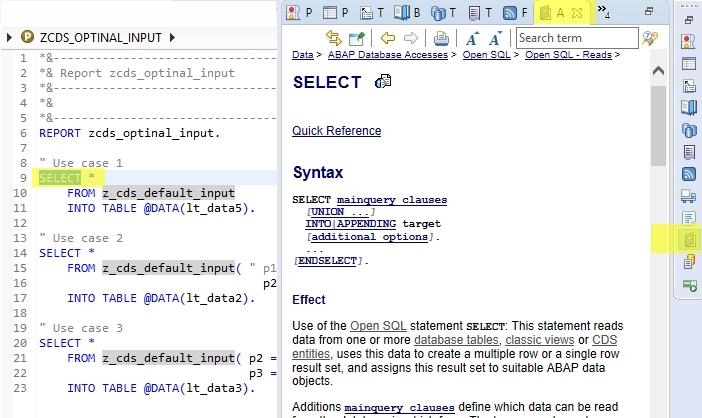
Using ABAP help with Eclipse is, as expected, tightly integrated with ABAP backend server. ABAP documentation can be called from within Eclipse. For showing help content, Eclipse is equipped with a dedicated Help view.
Types of Eclipse Help:
- The F1 help of ABAP keywords: Select the keyword and press F1
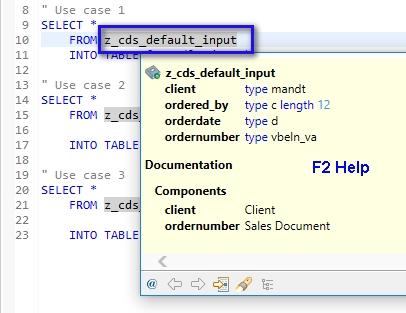
- Element help: Use F2 help on variables/elements for inline help
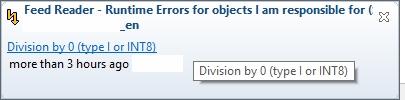
- Feeds proactive help: System messages e.g. ABAP runtime errors are delivered via feeds and can be accessed with Quick access box. This helps Developer to know dumps caused by his/her code.